

Resetting A User's Password
As an Organization Administrator you now have the ability to reset a user's password within the system.
· 1 min read
Create User accounts and control what they see and what they can do
As an Organization Administrator you now have the ability to reset a user's password within the system.
![[Update] User GPS Tracking & Geo-Fence](/_astro/Screen-Shot-2021-08-31-at-8.23.07-AM-1_CqEec.webp)
We have released new features that allow your security team to improve the accountability and GPS tracking of your field staff. The new features add GPS location enter/exit geo-fence events & GPS location breadcrumb markers under a User's profile and any relevant Location in your account. GPS Tracking & Geo-Fencing Enhancements When a User has a Duty Status of "On-Duty" or "On Shift" their GPS is tracked and logged, incrementally. THERMS stops tracking a User's GPS when they clear their stat
![[Update] User Location Access](/_astro/card-reader-on-a-concrete-wall-beside-a-closed_1Lh6Xd.webp)
We have added a new feature to THERMS that gives administrators the ability to limit which Locations a User can see/access information. This is a requirement for some Organizations that do not want specific employees to see all Locations in their account.
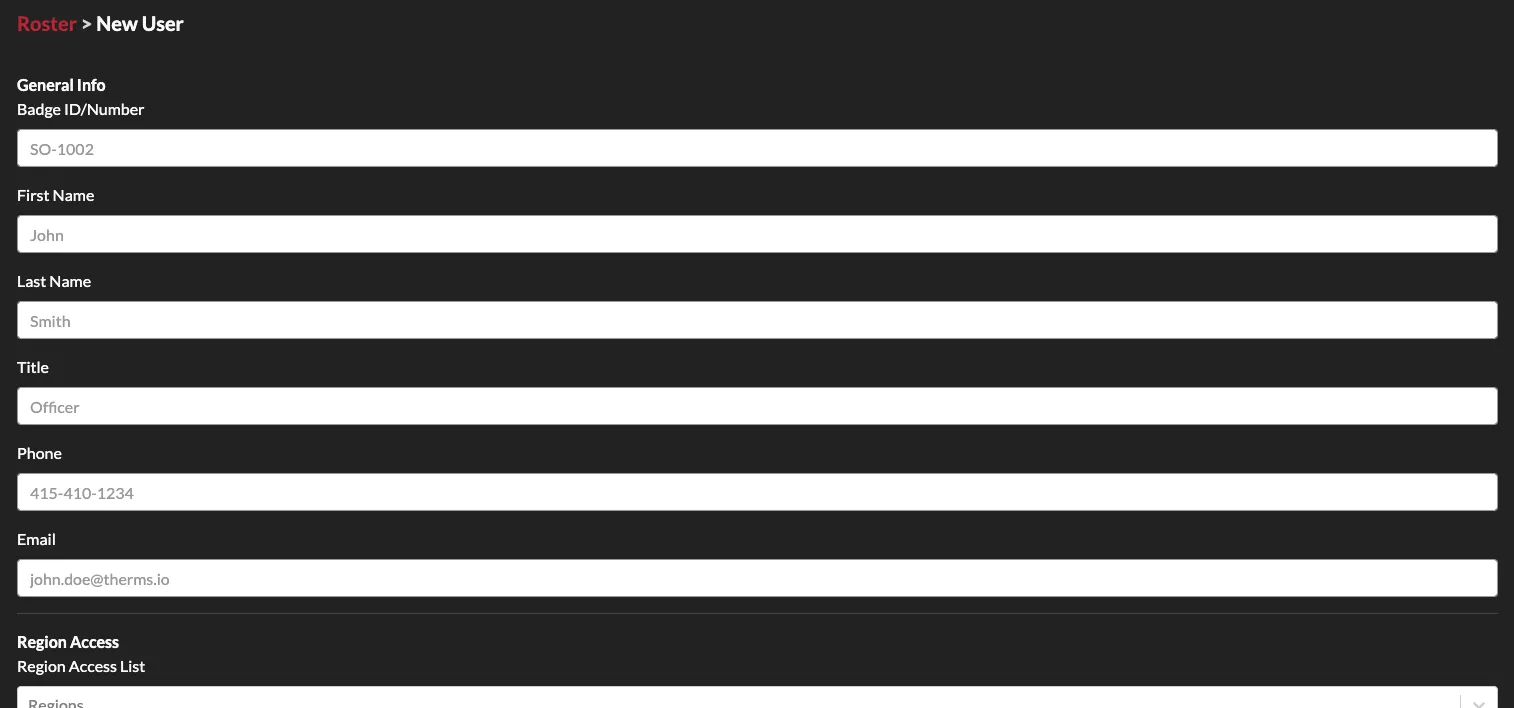
In this tutorial we go over the basics of creating and adding users to your THERMS organization account.
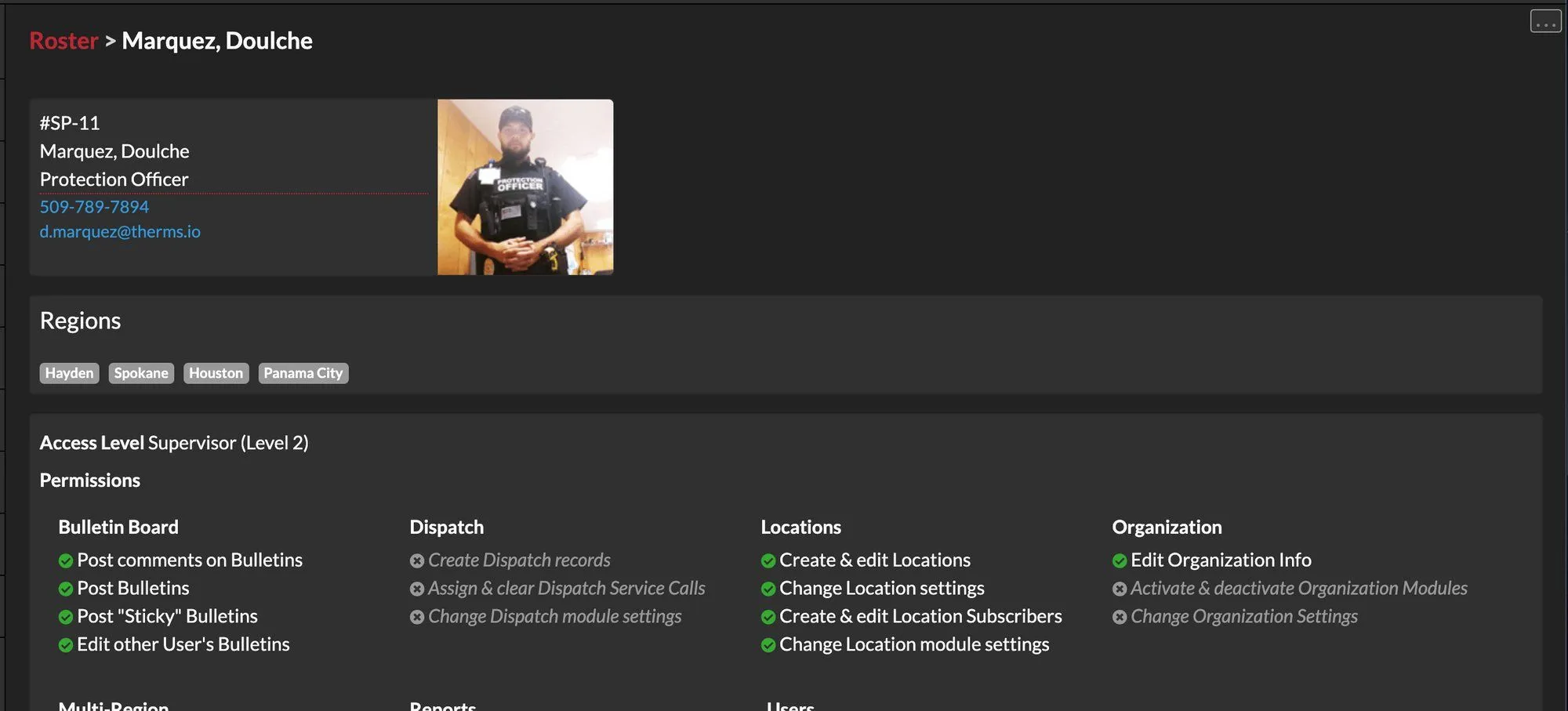
Users can be configured to have specific permissions and access based on the organization's requirements. For example a User can have access to supervisor level content or just regular access to content. Another User can have permission to review, edit & delete Reports or Records.