
THERMS
Log in Register
  • Features
    All Features

    The whole platform: locations, communications, and more.

    Reporting

    Template-driven reports, records, and incident management.

    Scheduling

    Build shifts, publish schedules, and track scheduled vs. actual hours.

    Guard Tour & Patrol

    Build patrol routes and prove every NFC/QR checkpoint was scanned.

    GPS Tracking & Dispatch

    Live map, dispatch console, and GPS history playback.

    Client Portal

    Update your clients in realtime with their own app.

    Mobile App

    Optimized for improving security officer patrol duties.

  • Pricing
  • Tutorials
  • FAQs
  • Blog
  • Contact
Log in Register

CATEGORIES

  • All
  • Support 26
  • Tutorial 26
  • FAQ 10
  • Getting Started 7
  • Updates 26
  • Blog 17
  • Reports 11
  • Dispatch 5
  • Locations 9
  • Records 5
  • Portal 1
  • Mail 1
  • GPS 3
  • Users 6
  • Bulletin 2
  • Schedule 3
  • NFC TAGS 1
  • Incident Tracking Software 2
  • Guard Tour Management Software 3
  • Security Software 2
  • Online Incident Reporting 1
  • Security guard services 1
  • Special event security 1
CATEGORIES
  • All
  • Support 26
  • Tutorial 26
  • FAQ 10
  • Getting Started 7
  • Updates 26
  • Blog 17
  • Reports 11
  • Dispatch 5
  • Locations 9
  • Records 5
  • Portal 1
  • Mail 1
  • GPS 3
  • Users 6
  • Bulletin 2
  • Schedule 3
  • NFC TAGS 1
  • Incident Tracking Software 2
  • Guard Tour Management Software 3
  • Security Software 2
  • Online Incident Reporting 1
  • Security guard services 1
  • Special event security 1

Getting Started

A quick list of tutorials and help to get a new organization account setup and running in THERMS

GPS Markers in Reports

THERMS has recently deployed a new feature allowing you to communicate the GPS location of the report entries to clients.
Wed Nov 10 2021 · 2 min read
Dispatch Setup

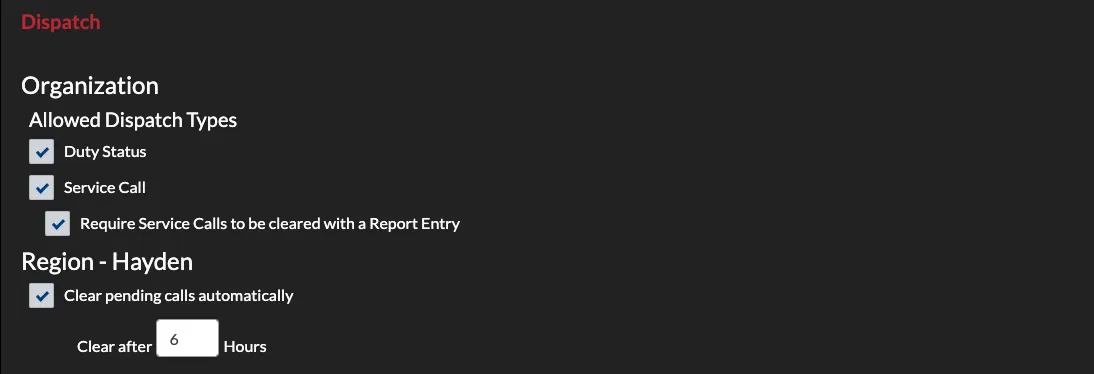
Dispatch Setup

This tutorial walks through setting up the Dispatch module for a new organization account.

Tue Nov 05 2019 · 2 min read
Records Setup

Records Setup

This tutorial briefly covers setting up records in an organization account. Records are People, Property and Vehicles that are documented in THERMS for linking, lookup and other reference.
Tue Nov 05 2019 · 1 min read
Reports Setup

Reports Setup

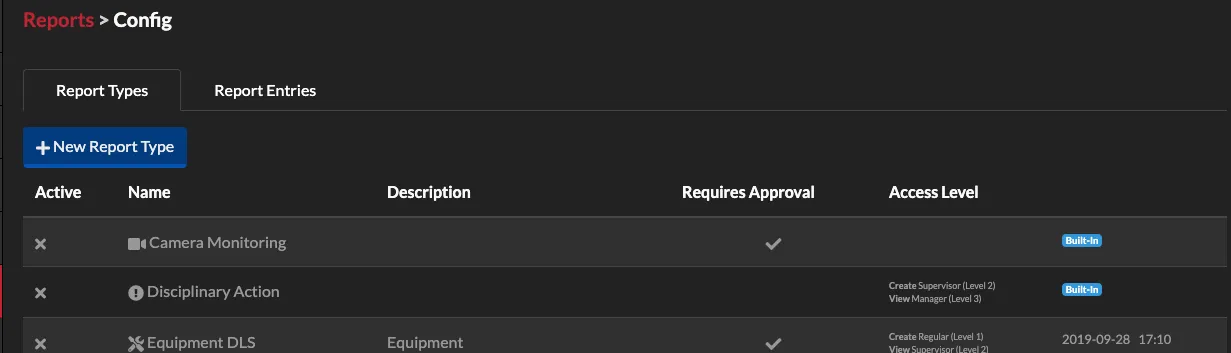
In this tutorial we will walk through setting up the Reports module for a new organization account. This post covers built-in reports and how they can be used in security operations.
Tue Nov 05 2019 · 3 min read
Creating Locations

Creating Locations

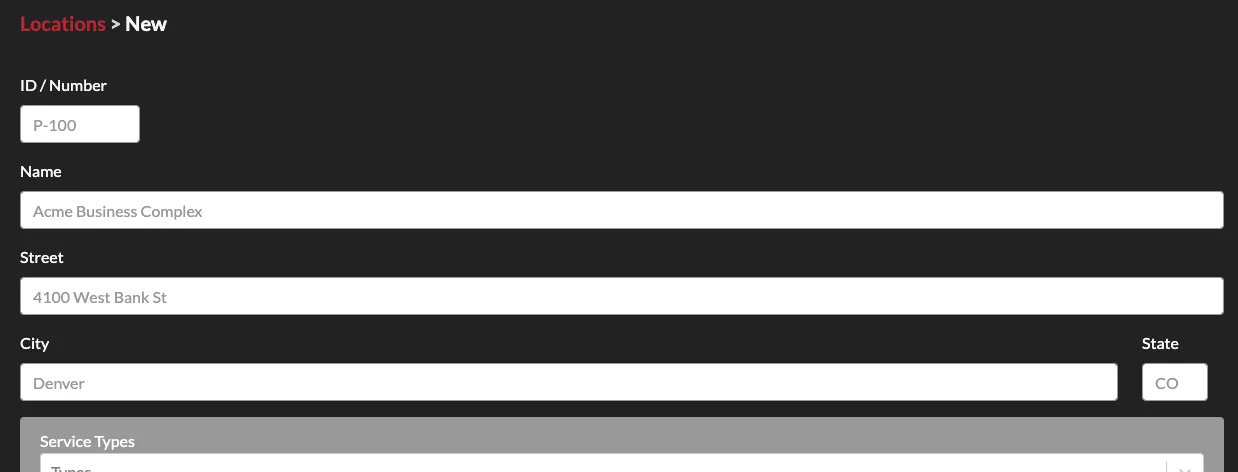
In this tutorial we walk through creating new locations for your organization's THERMS account.
Tue Nov 05 2019 · 3 min read
Adding Users

Adding Users

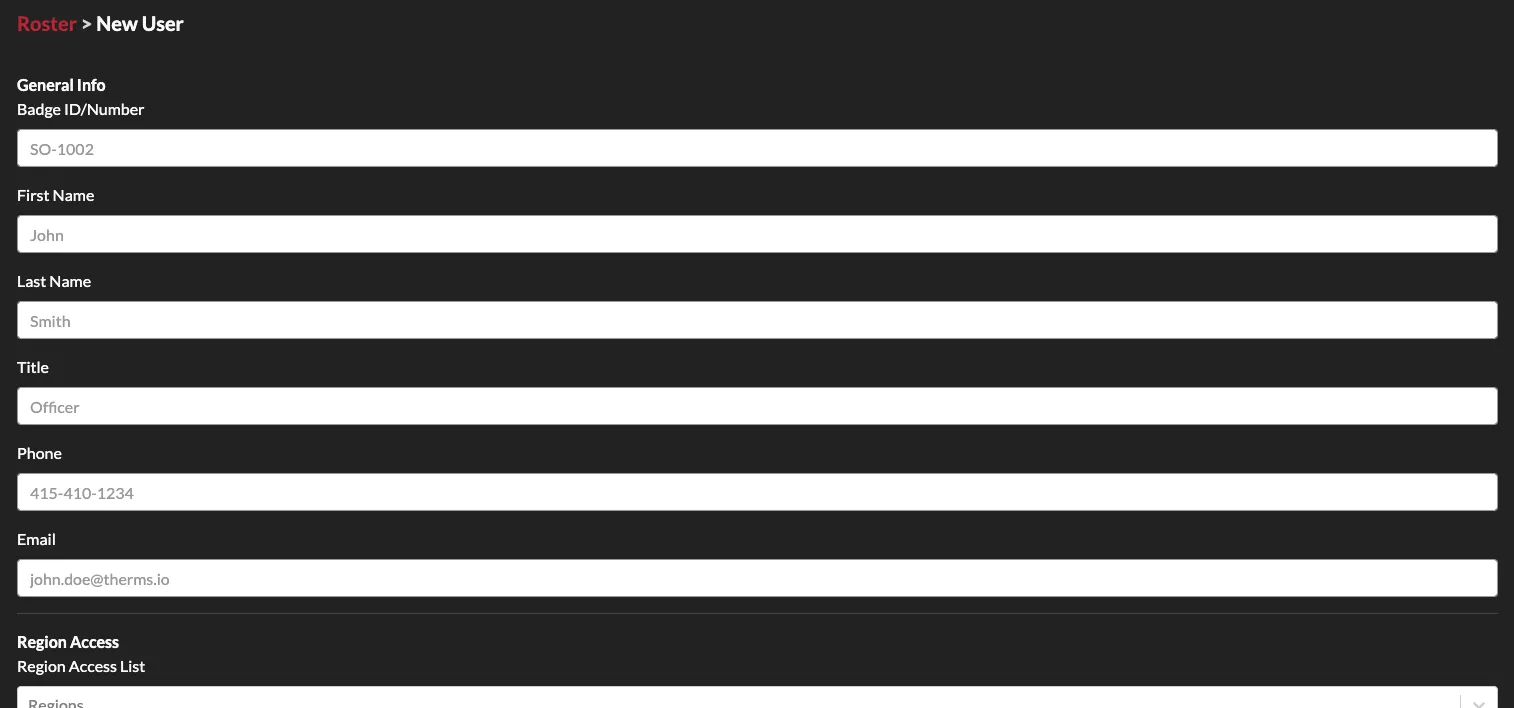
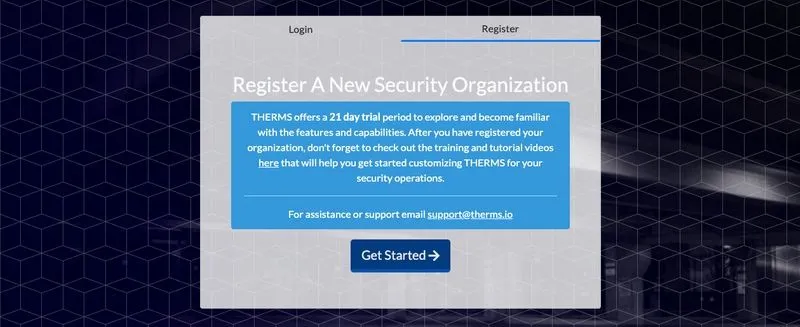
In this tutorial we go over the basics of creating and adding users to your THERMS organization account.
Tue Nov 05 2019 · 2 min read
Organization Setup

Organization Setup

In this tutorial we walk through the basics of getting your organization setup after registering a new account with THERMS.

Tue Nov 05 2019 · 2 min read

Page 1 of 1

THERMS, The Report Management System

The all-in-one security guard & patrol app for managing your operations.

Facebook Instagram Twitter YouTube
Privacy Policy - Terms of Service
Site
  • Features
  • Reporting
  • Scheduling
  • Guard Tour & Patrol
  • GPS Tracking & Dispatch
  • Pricing
  • Contact
Support
  • Tutorials
  • Blog
  • FAQs
  • Email Address Verify
Subscribe to our newsletter

Get email updates about THERMS software and industry news.

We apologize, there was a problem while we were adding you to our newsletter. Please wait a few minutes and try again.

Subscribed to Newsletter

Thanks for subscribing! Our news & updates will be delivered to .

Get it on Google Play Download on the Mac App Store

Service-Disabled Veteran-Owned Small Business

© 2026 American Software Solutions, inc. All rights reserved.

We use cookies to understand how visitors use our site and to improve your experience. See our Privacy Policy.