
Blog

Announcements, tutorials, tips and more.

Year Wrap Up

Year Wrap Up

With 2020 soon coming to an end we wanted to take a moment and say thanks to everyone of you who have been using THERMS! For many of us, this year has been a challenging one and we hope we helped keep your operations running smoothly through it.

· 2 min read
[Beta Feature] Scheduling

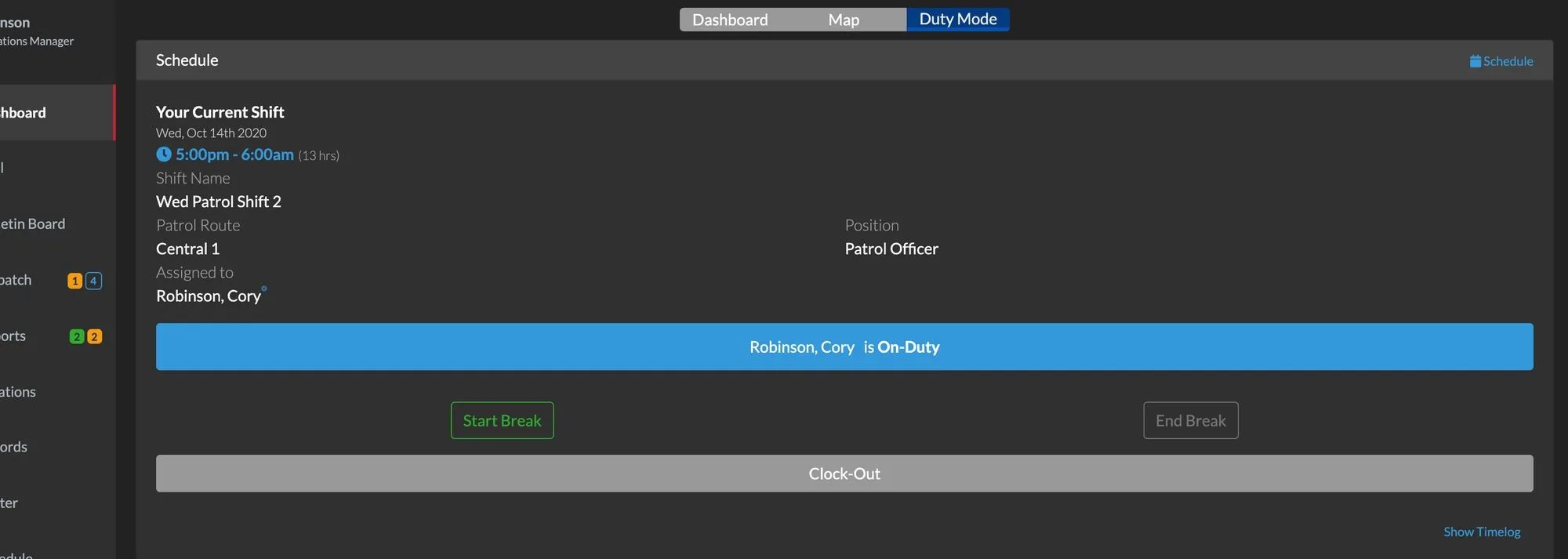
Our THERMS integrated Scheduling module has been added to the dashboard. The features are very basic at this time and will be greatly enhanced over the coming weeks.

· 1 min read
Scheduling (Beta Feature)

Scheduling (Beta Feature)

THERMS Security guard and patrol operations provides built-in Scheduling so you can organize your staff's work schedule and capture specific details for each shift.

· 0 min read

QR Code Scanning in Reports

This tutorial briefly covers how to setup a QR Code for a Location and how to scan them in a Report.

· 1 min read
Android App Released

Android App Released

THERMS can be used on Android devices by downloading the THERMS app in the Google Play Store.

· 1 min read
Portal Login & Users

Portal Login & Users

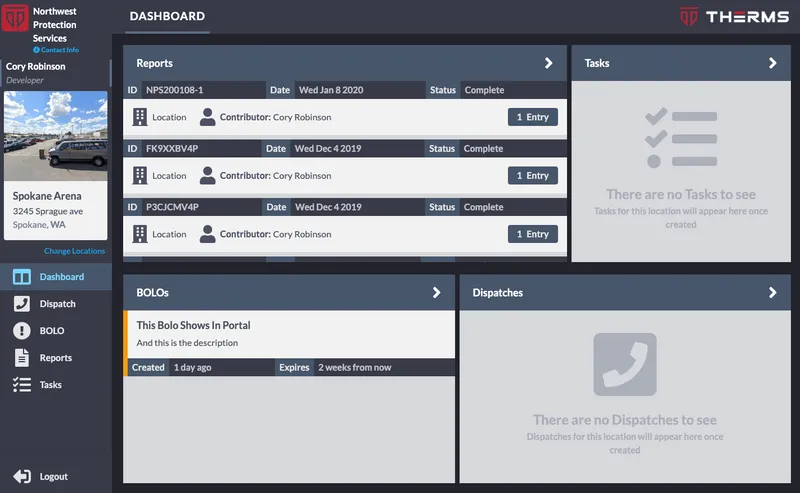
The Portal is a separate dashboard that is for clients or 3rd party stake holders to access information for a Location(s). In this dashboard a Portal User can view BOLOs, Dispatch, Reports & Tasks for the Location or Locations that they were given access to.

· 2 min read
New Updates Released

New Updates Released

Jan 10 2020 we have released a handful of enhancements and improvements to THERMS. If you would like more information or have thoughts or ideas for more improvements, please let us know support@therms.io.

· 2 min read
User GPS Tags in Reports

User GPS Tags in Reports

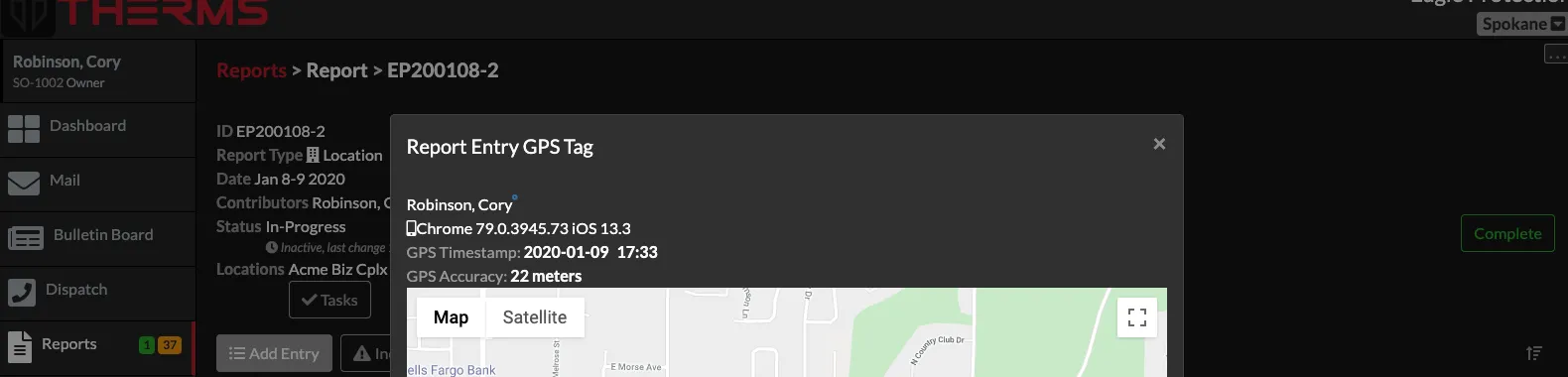
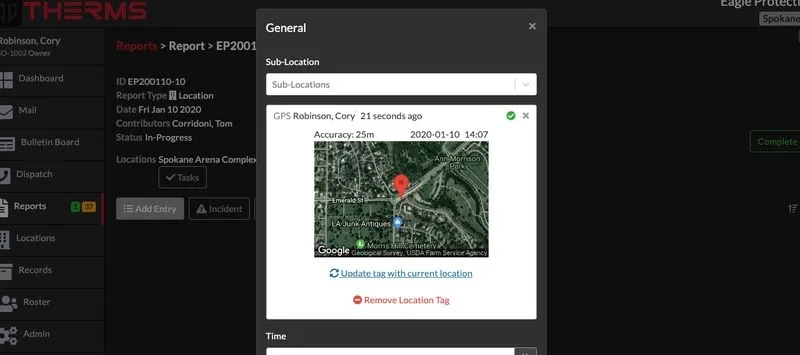
Reports offer a setting to allow GPS tags in Report Entries. The purpose of a GPS tag in a Report Entry can aid in verification that the User was at a specific location when they created the Report Entry.

· 3 min read
Lock Reports After Completion

Lock Reports After Completion

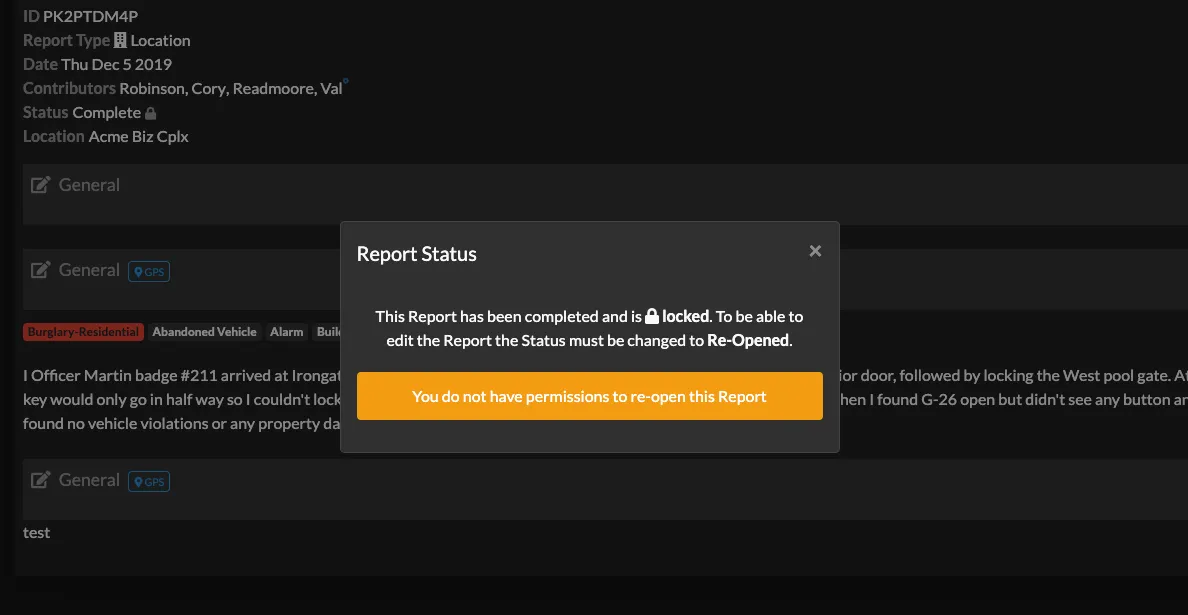
Organizations have the option to turn on the Report setting that will automatically lock a Report after it's been moved to completed status. This setting must be turned on in the Reports > Settings page.

· 1 min read
Search Syntax - Reports, Records, Dispatch

Search Syntax - Reports, Records, Dispatch

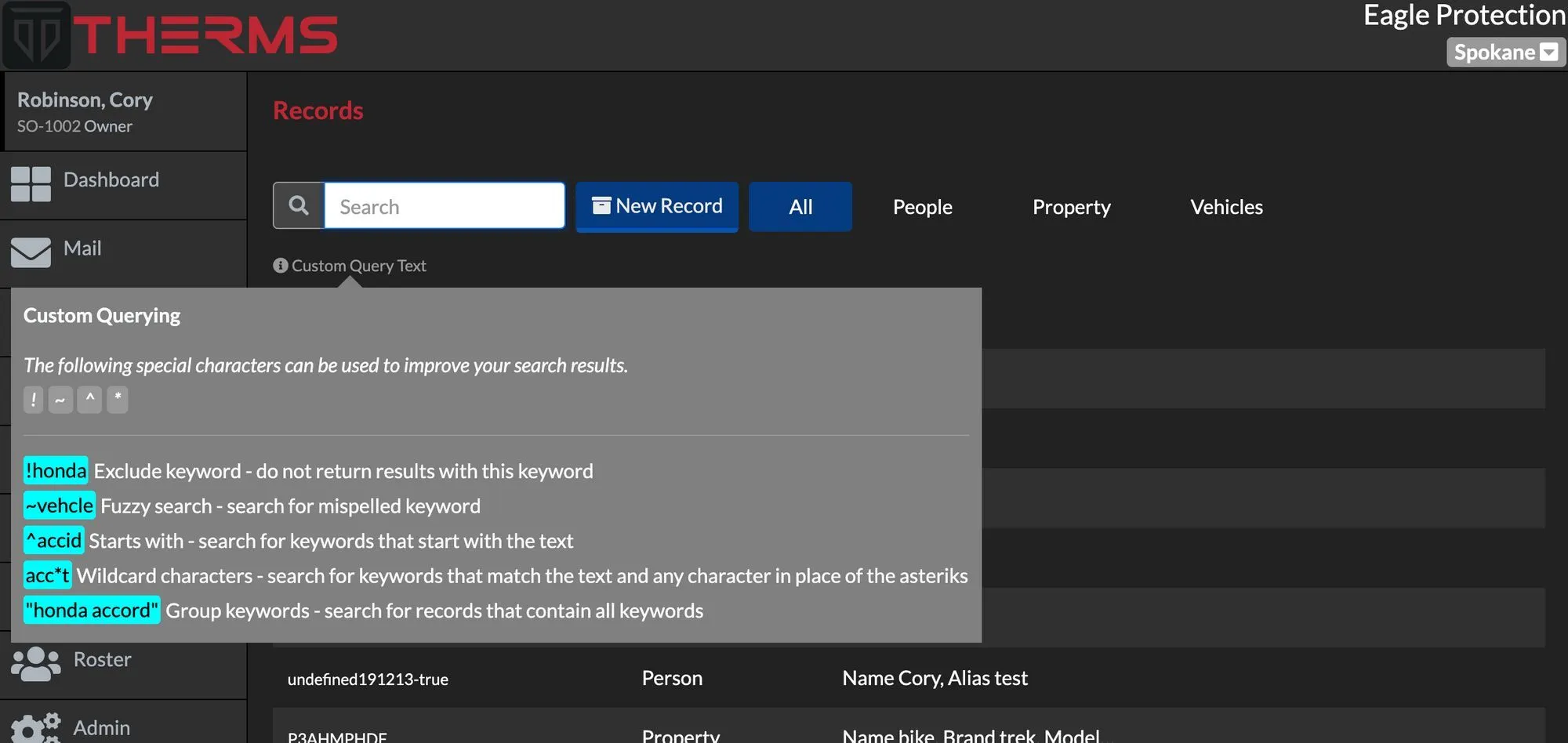
THERMS offers a special search syntax for searching information in THERMS Reports, Dispatches, & Records .

· 1 min read
Service Types, Location Groups & Zones

Service Types, Location Groups & Zones

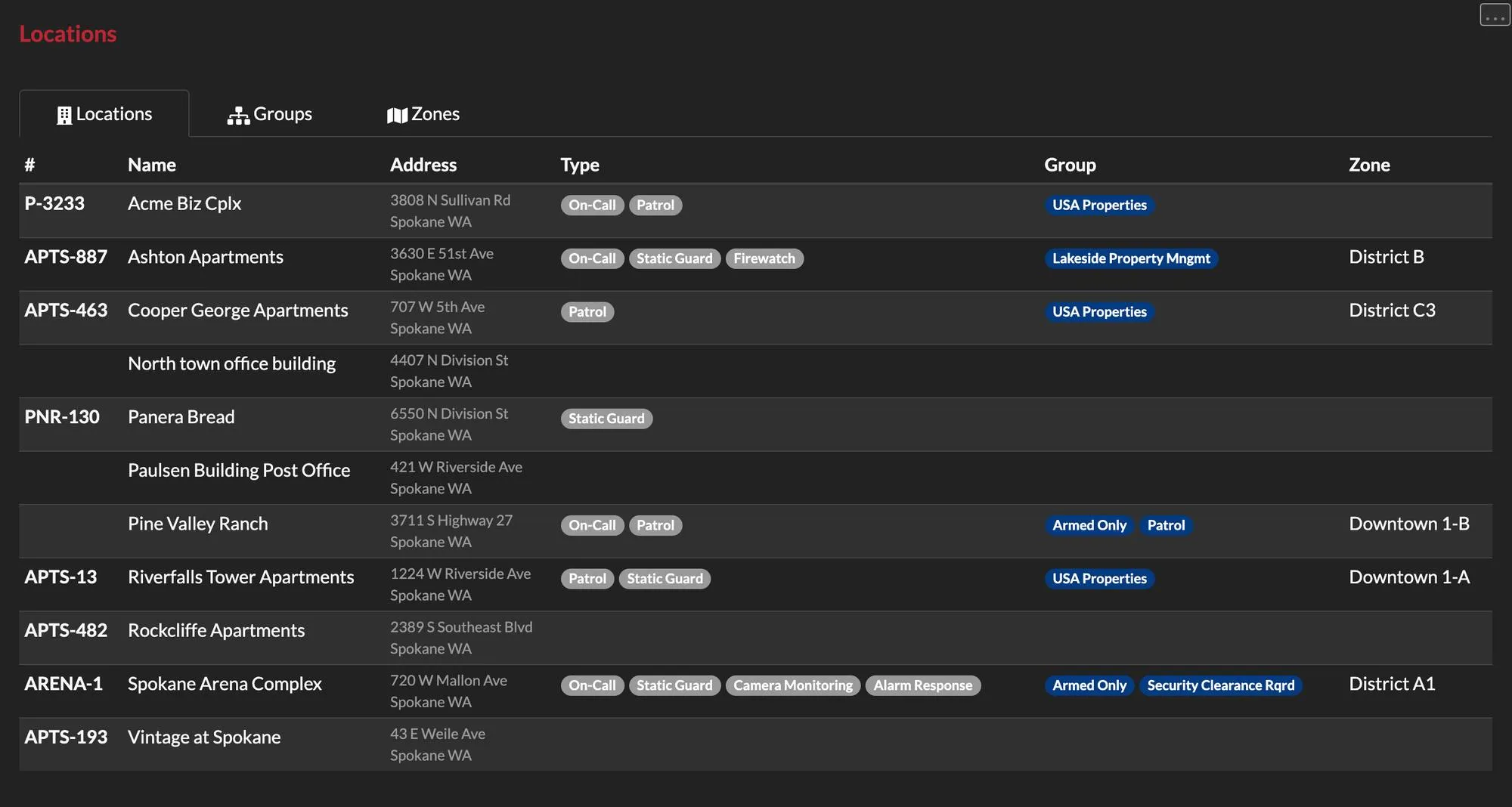
This tutorial walks through what a Location Type, Group & Zone is and how they can be configured in your THERMS account.

· 3 min read

Organization Logo Configuration

This brief tutorial shows you how to configure your organization's account with your logo. Your logo will be used and displayed in reports, login screen, and various other areas of the app.

· 1 min read