
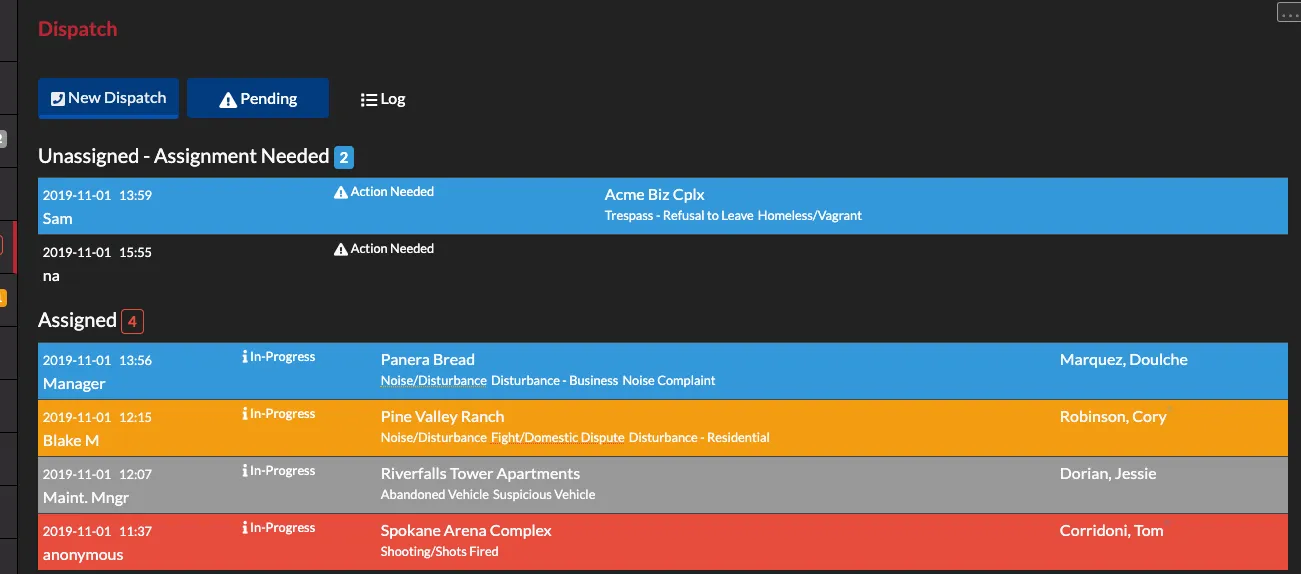
Log Dispatch Calls
In this tutorial we walk through logging dispatch call records, assigning, acknowledging and clearing them.
· 4 min read
Announcements, tutorials, tips and more.
In this tutorial we walk through logging dispatch call records, assigning, acknowledging and clearing them.
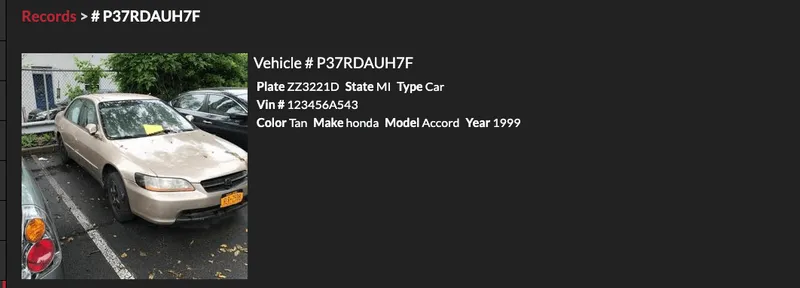
In this tutorial we explain how users can link records to other pieces of information in THERMS such as reports.
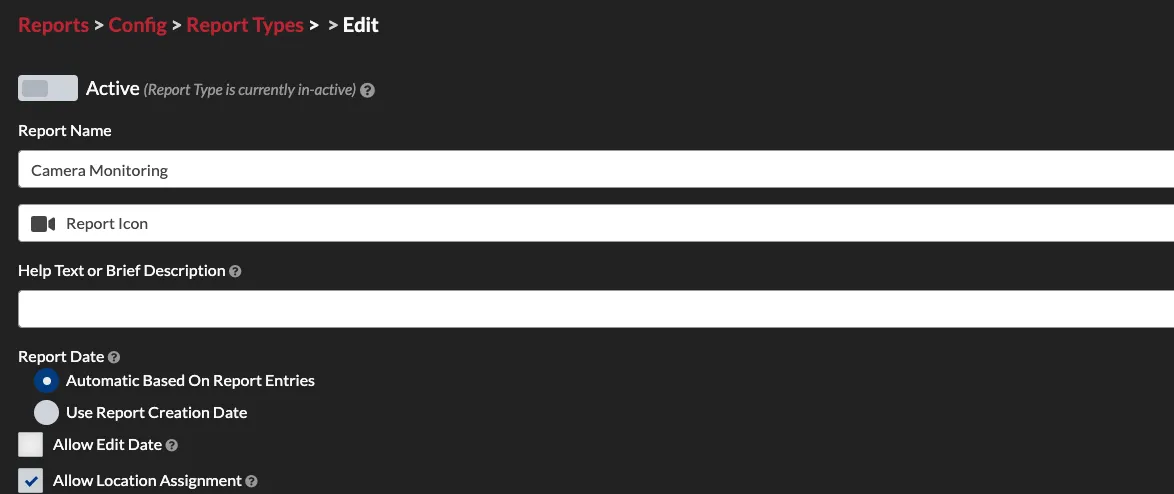
This tutorial explains how to create custom report types in THERMS for your organization.
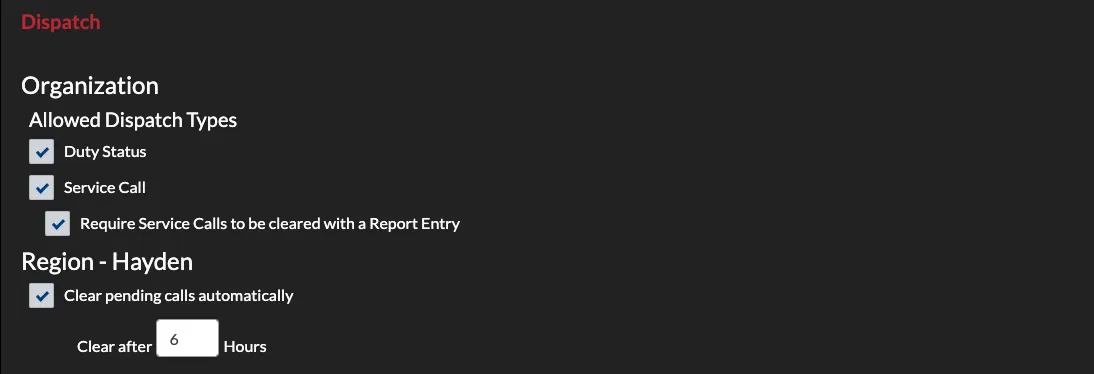
This tutorial walks through setting up the Dispatch module for a new organization account.

This tutorial briefly covers setting up records in an organization account. Records are People, Property and Vehicles that are documented in THERMS for linking, lookup and other reference.
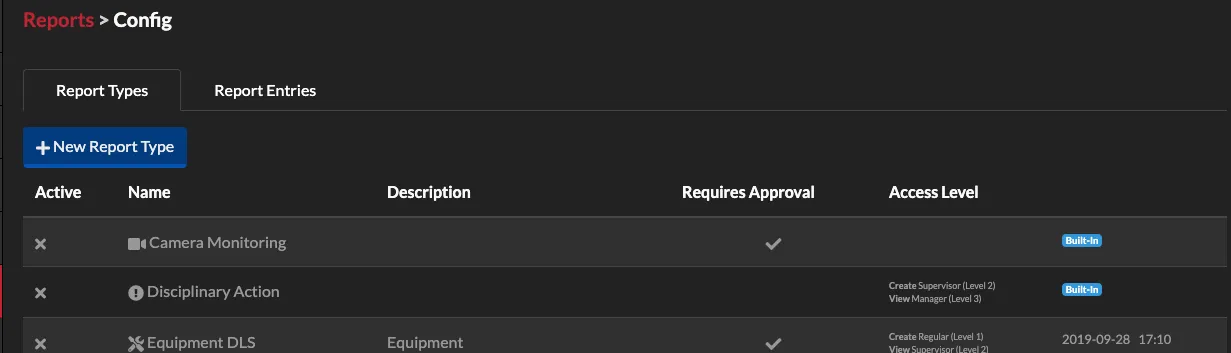
In this tutorial we will walk through setting up the Reports module for a new organization account. This post covers built-in reports and how they can be used in security operations.
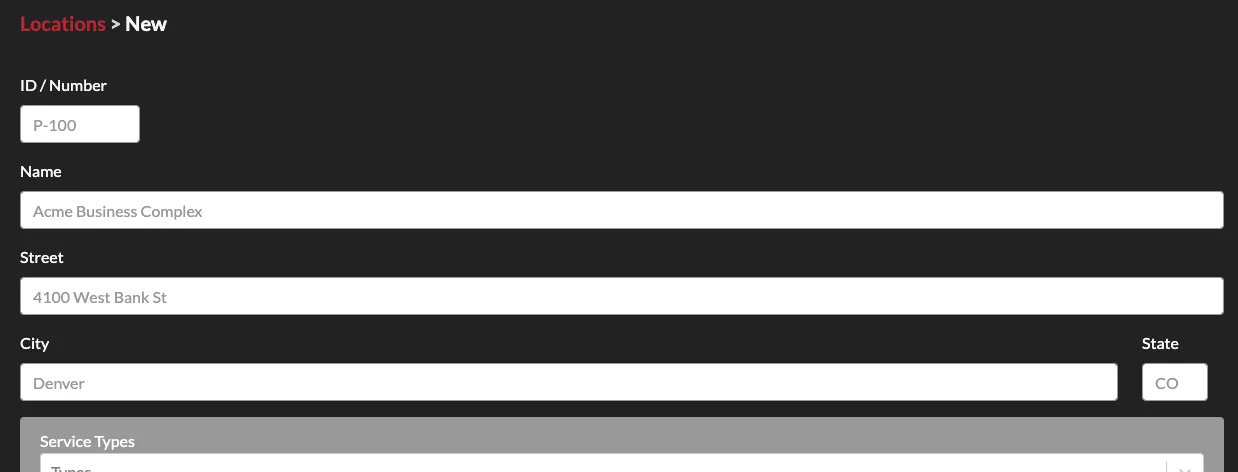
In this tutorial we walk through creating new locations for your organization's THERMS account.
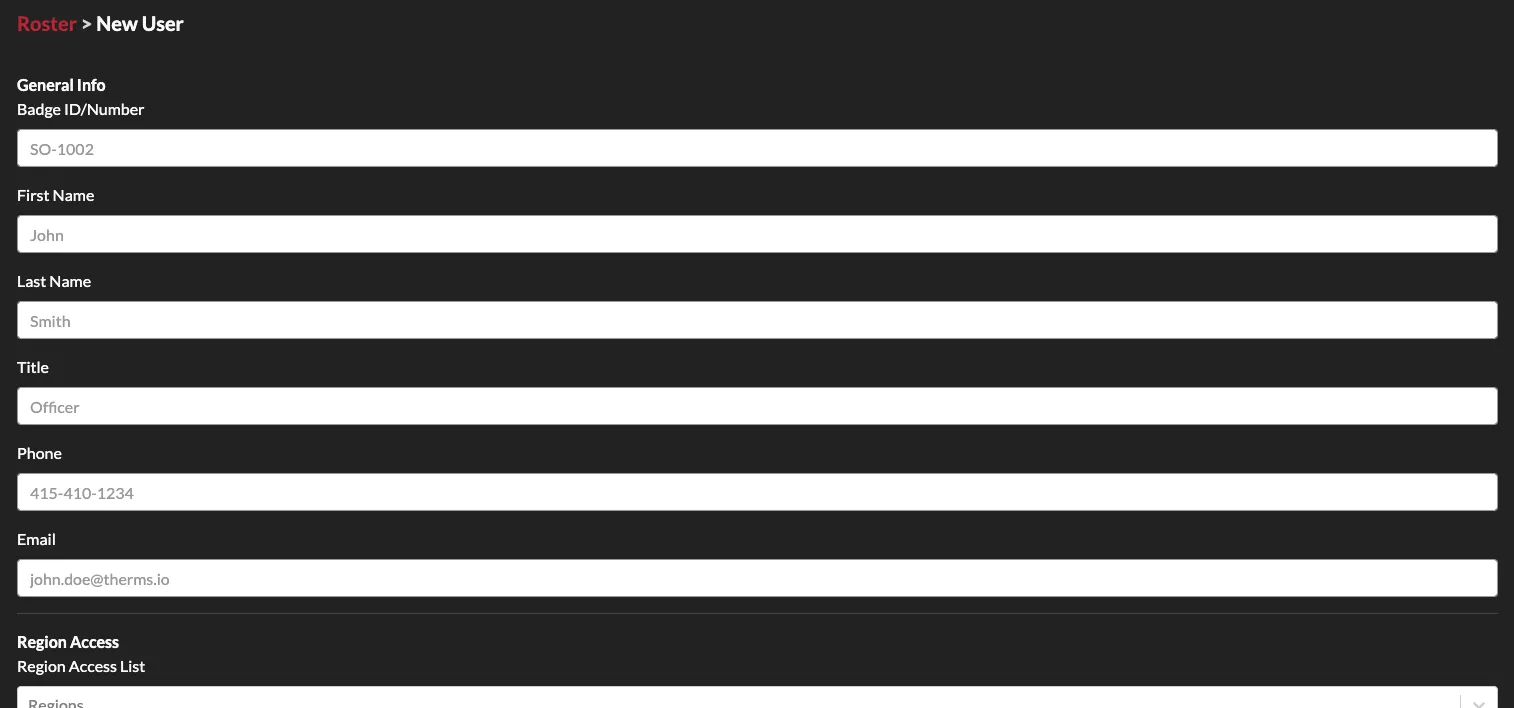
In this tutorial we go over the basics of creating and adding users to your THERMS organization account.
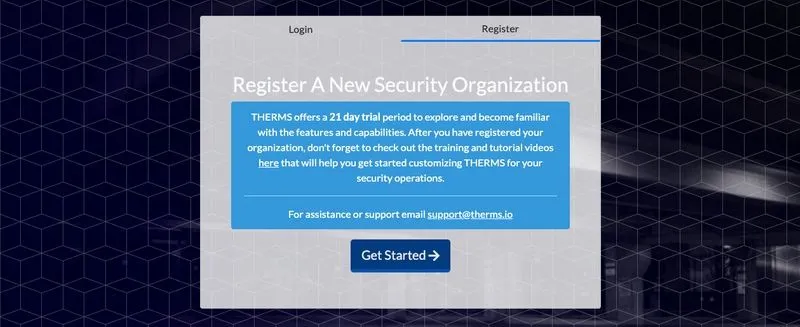
In this tutorial we walk through the basics of getting your organization setup after registering a new account with THERMS.
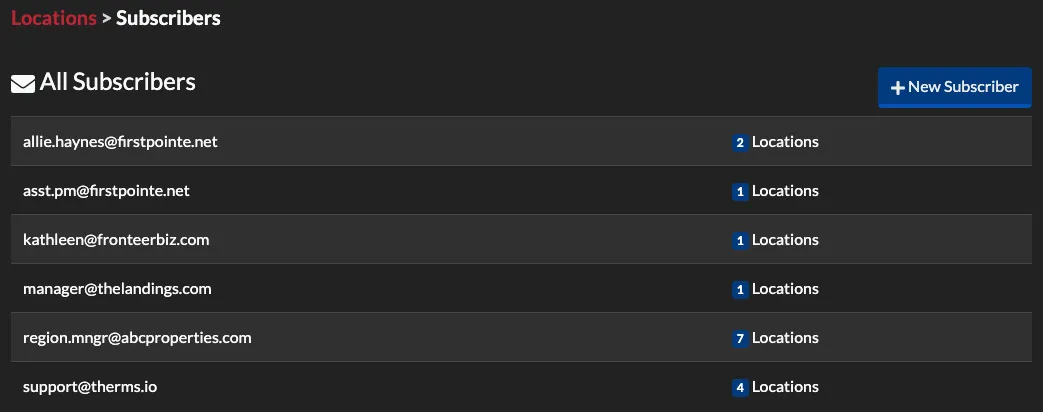
Location Subscribers are email addresses to people who should receive info for specific Locations. A Subscriber can receive completed Reports, Dispatch records, new BOLOs, & completed Tasks for the list of Locations they are subscribed to.
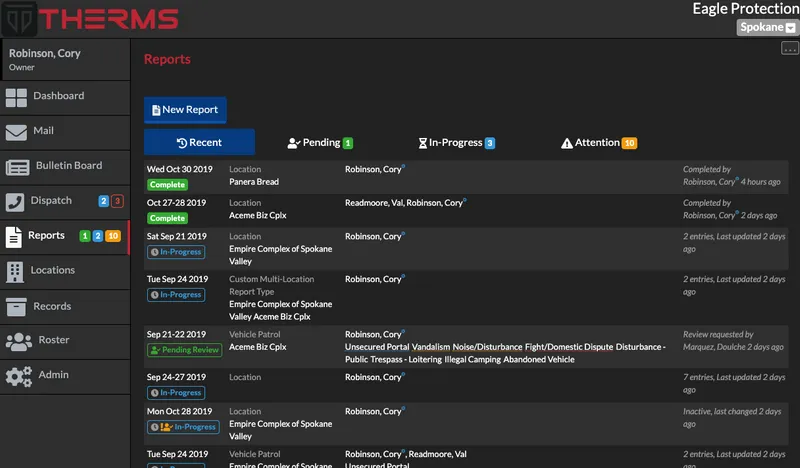
Reports are a collection of information like DAR logs, incident reports, violations, shift activity, disciplinary action, vehicle maintenance logs, and much more. Reports can be customized with a drag and drop builder.
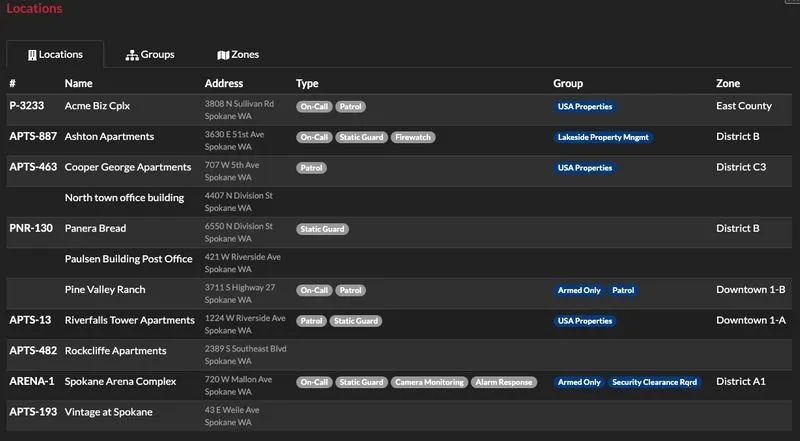
Locations hold information such as post orders, pass downs, bolos, maps, tasks, contacts, files, in/out log, dispatch records and reports. All of this information is quickly accessible by management and security staff working at the site.